Below is a step-by-step guide on how to adjust the volume control settings for your Aurender unit when using it as a Roon Ready endpoint.
1. Open the Roon application on your device and go to Settings.
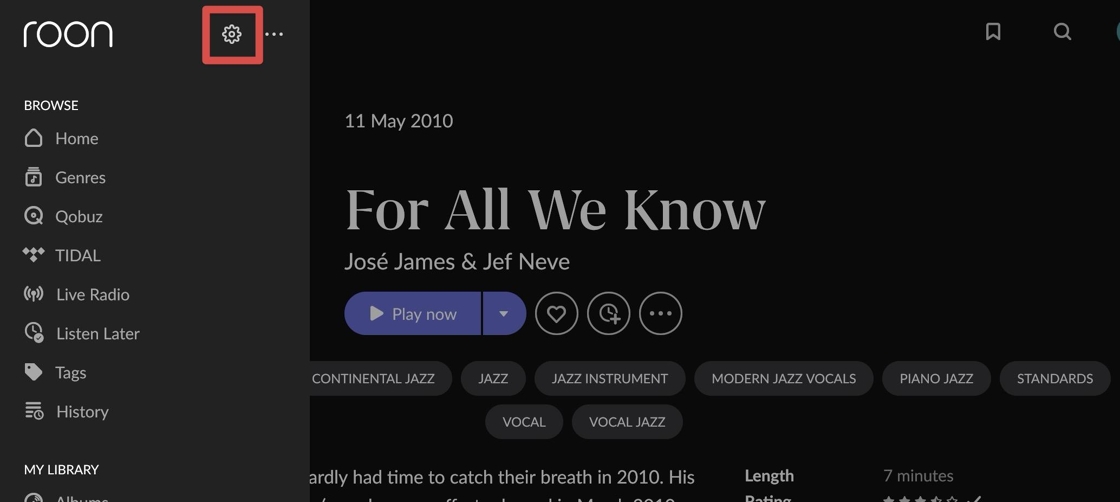
2. In the Settings menu, select Audio.
Under the Roon Ready section, find the Aurender device for which you want to change the Volume Control setting, then click on Device Info.
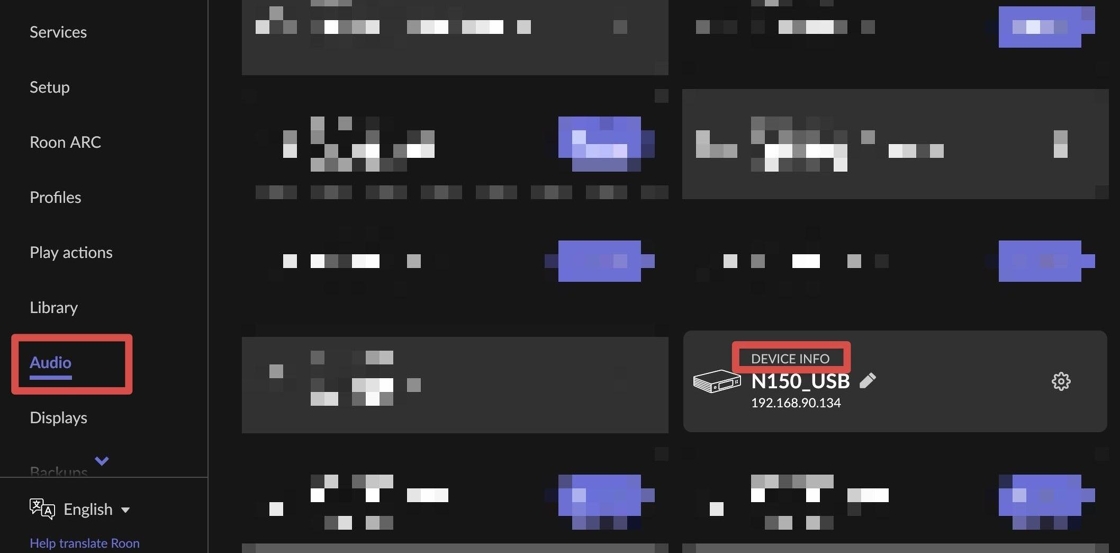
3. Then click the "Configure Device" button.
Your web browser will automatically open the configuration page for the Aurender device.

4. On the configuration page, locate the Volume Control setting.
You will see the following options:
Software:
When selected, volume is controlled digitally within Roon. This allows you to control the output volume directly from the Roon app. (Use this option if you want Roon to adjust the playback volume of the digital output.)
Note: When Volume Control is set to Software, Roon performs digital signal processing to adjust the volume. Because DSD audio does not support digital volume processing directly, DSD playback will be converted to PCM before the volume adjustment is applied.
For the same reason, PCM to DSD upsampling is not available when Software volume control is enabled, since the signal must remain in PCM format for digital volume processing.
Fixed:
This disables volume control from Roon. The output is sent at full scale, and volume must be adjusted on your DAC or amplifier. (Recommended if you prefer to use your DAC’s analog volume control or want a bit-perfect fixed-level output.)
Note: When Fixed is selected, the audio signal is sent without digital volume processing. This allows native DSD playback and PCM to DSD upsampling (if enabled in Roon), since no digital volume adjustment is applied to the signal.
After choosing your preferred option, click Save to apply the setting.
5. Additional Option for A-Series Models
For Aurender A-series devices (models with built-in DAC and analog output), an additional option called Aurender will appear under Volume Control.
Selecting this enables control of the Aurender’s analog output volume directly from the Roon app.